- phototeka.editor@gmail.com
Welcome to Phototeka
Convenient Online Photo Editor for Image Enhancement
Discover Phototeka, the best online image editing tool without watermark, 100% free.
We are trusted by over 10,000,000+ users worldwide:


















About Us
Phototeka is a Free Online Photo Editor no Watermark for PC, Designed to Enhance and Transform Digital Images
Basic Tools: Common adjustments include cropping, resizing, brightness, contrast, color balance, and more.
Advanced Features: This professional online photo editor allows you to perform complex operations, such as removing unwanted objects, retouching portraits, combining multiple images into a composition, and much more.
Of course, it’s all free!
phototeka.editor@gmail.com
Designs That Make Your Heart Race with Excitement
A convenient online photo editor, image enhancement, and ease of use—all for the convenience of our users, which is what matters most to us.
Photo Editor Features
We Offer Creative Solutions for Your Creative Ideas
You can crop, rotate or resize images in a few clicks. Easy to use image filters allows you to to create beautiful effects for your photos on social media.
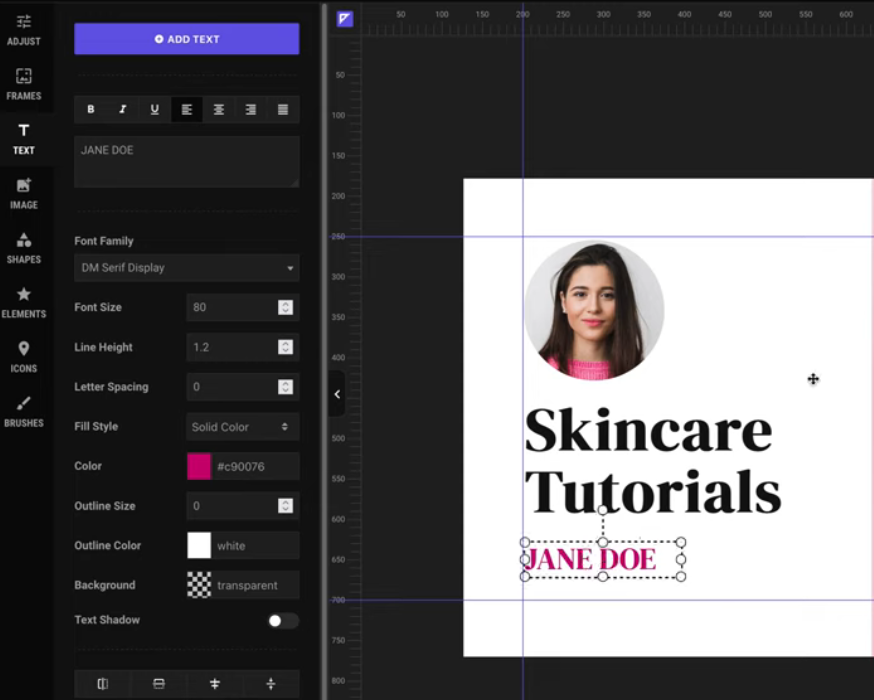
Add regular or curved text to the canvas and customize it using rich text settings (Google fonts supported).
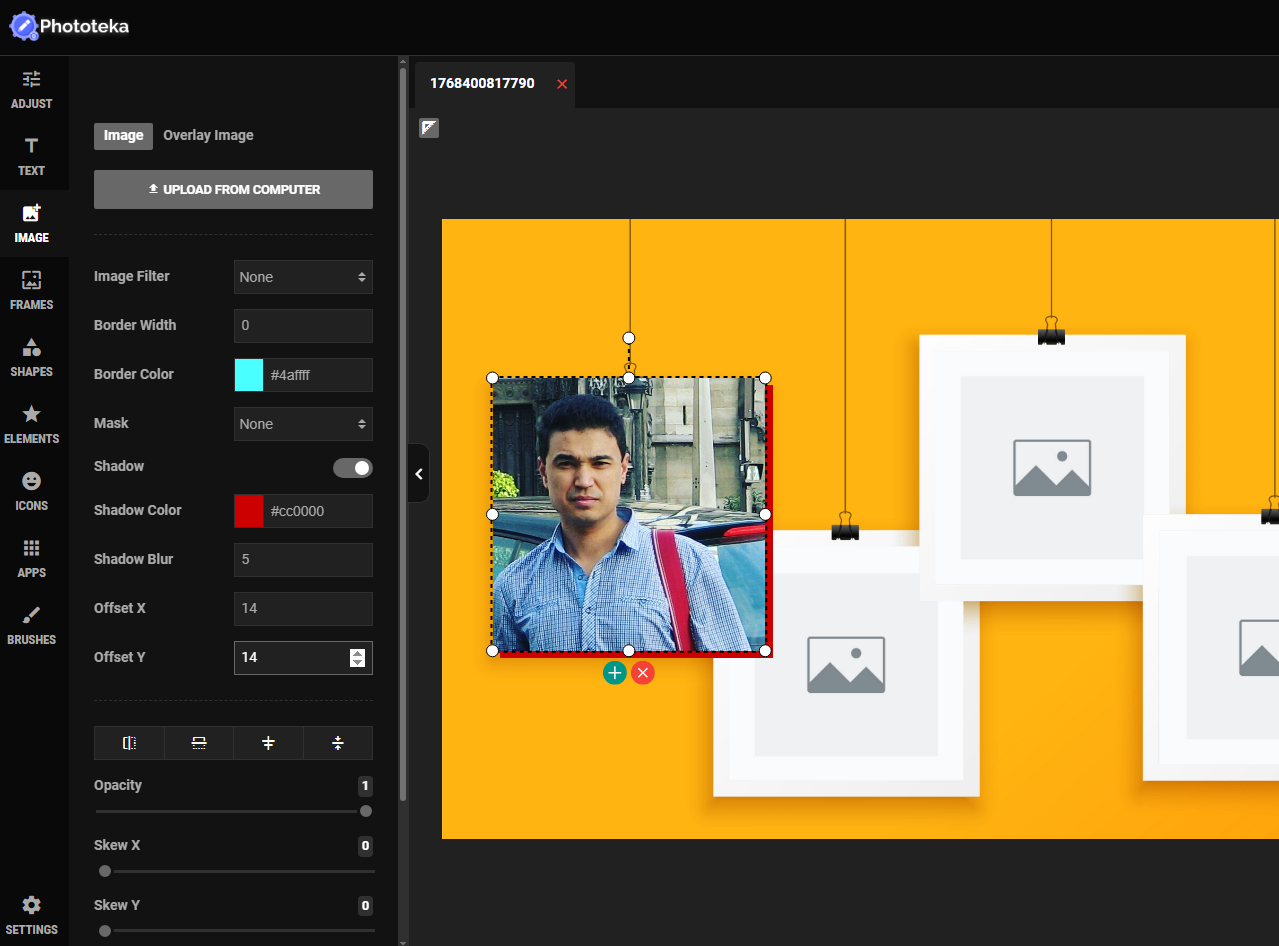
You can add as many images to the canvas as you like. Phototeka is a full-featured graphics editor.
Phototeka photo editor comes with ready-made photo frames that you can easily add to your images. You can also create your own frame sets.
The Phototeka image editor includes over 130 customizable SVG shapes. Just let your imagination run wild.
Introducing our rapidly growing element library. These elements are carefully curated SVG files that can be used in any design. You can even create your own element sets.
Image Editor Values
Phototeka offers creative solutions to bring your creative ideas to life
The online editor explores a wide range of approaches to problem solving in business, design, and everyday life.

We provide creative solutions for your creative ideas
Phototeka, the Free Online Photo Editor no Watermark, makes working on your projects a true pleasure! It should be easy to use, and that’s very important to us!
Phototeka Review for Your Projects
Where your successes become ours
Phototeka provides a complete set of photo editing tools and professional image processing without watermarks, absolutely free!
with Phototeka
100% free
You can align objects and fix spacing issues using canvas rulers on the image editor and easy-to-create drag & drop guides.

with Phototeka
100% free
You can lock/unlock, show/hide, clone or delete any layer with ease from the image editor. You can also drag&drop layers to change their orders.
with Phototeka
100% free
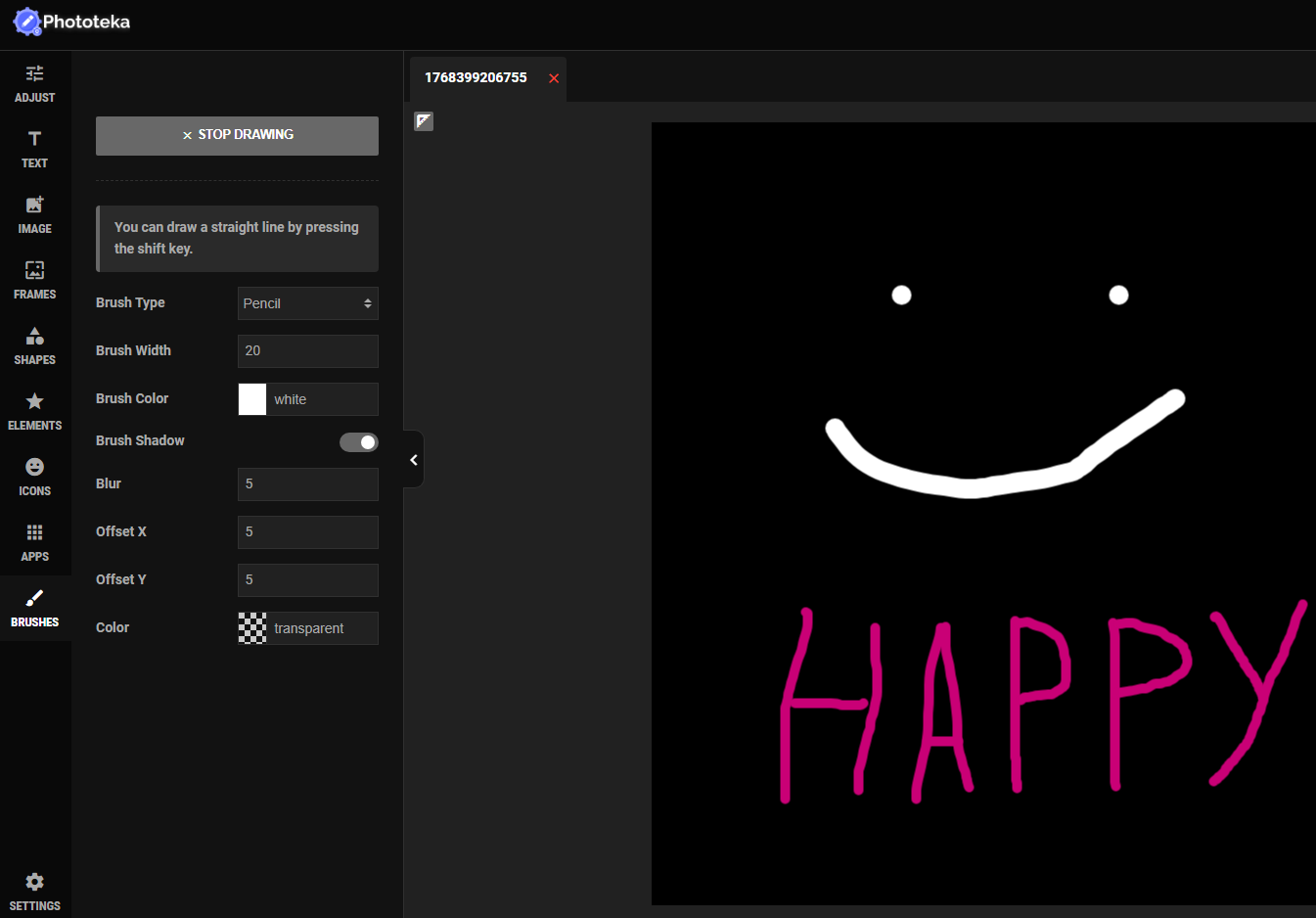
You can draw whatever you want using drawing brushes. The eraser brush allows you to erase unwanted parts of your photo.

with Phototeka
100% free
The Phototeka photo editor contains hundreds of ready-to-use modern icons suitable for any purpose. Thanks to the Iconfinder integration, you can browse over 200,000 high-quality free SVG icons.

with Phototeka
100% free
Add regular or curved text to the canvas and customize it using rich text settings (Google fonts supported).
with Phototeka
100% free
You can add as many images to the canvas as you like. Phototeka is a full-featured graphics editor.
Getting to Know Phototeka
Our Fast Growing Online Photo Editor Phototeka Is Designed Just For You
Phototeka Online Photo Editor that will be with you every step of the way
The Phototeka Free Online Photo Editor no Watermark is built on a modern framework that utilizes technologies like Ajax and lazy loading. Files are loaded only when you need them.

Why choose us
We help the brilliant minds to explore their way
Our team is constantly updating Phototeka, and new features will be added in the future. Bookmark this multifunctional graphics editor on your computer.
With integration with Pexels and Pixabay, you can browse millions of high-quality, free stock images directly in the Phototeka image editor.
The Phototeka image editor contains hundreds of ready-to-use, modern icons suitable for any purpose. Thanks to integration with Iconfinder, you can easily browse over 200,000 high-quality, free SVG icons right in the image editor.
With TMDB integration, you will be able to easily find posters and images of every movie and TV series you are looking for.
Testimonials
Member Feedback & Reviews
Reviews serve as critical evaluations of products, services, or creative works, providing important feedback for both consumers and businesses.
Offers similar powerful editing tools, but with a simpler interface and is ideal for editing on a PC.



Pretty Awesome, Isn’t It?
Photo Editor: Free Online Image Editing no Watermark for PC